Drop a CSV or JSON
Start with the data you already have. Juggle Dash reads your fields and rows locally.
A clearer path from data to dashboard
AI proposes the meaning, not the coordinates. You refine the draft with drag-and-drop in a visual editor, then export DSL JSON or a single-file HTML dashboard — no backend and no vendor lock-in.
Beta · No account required
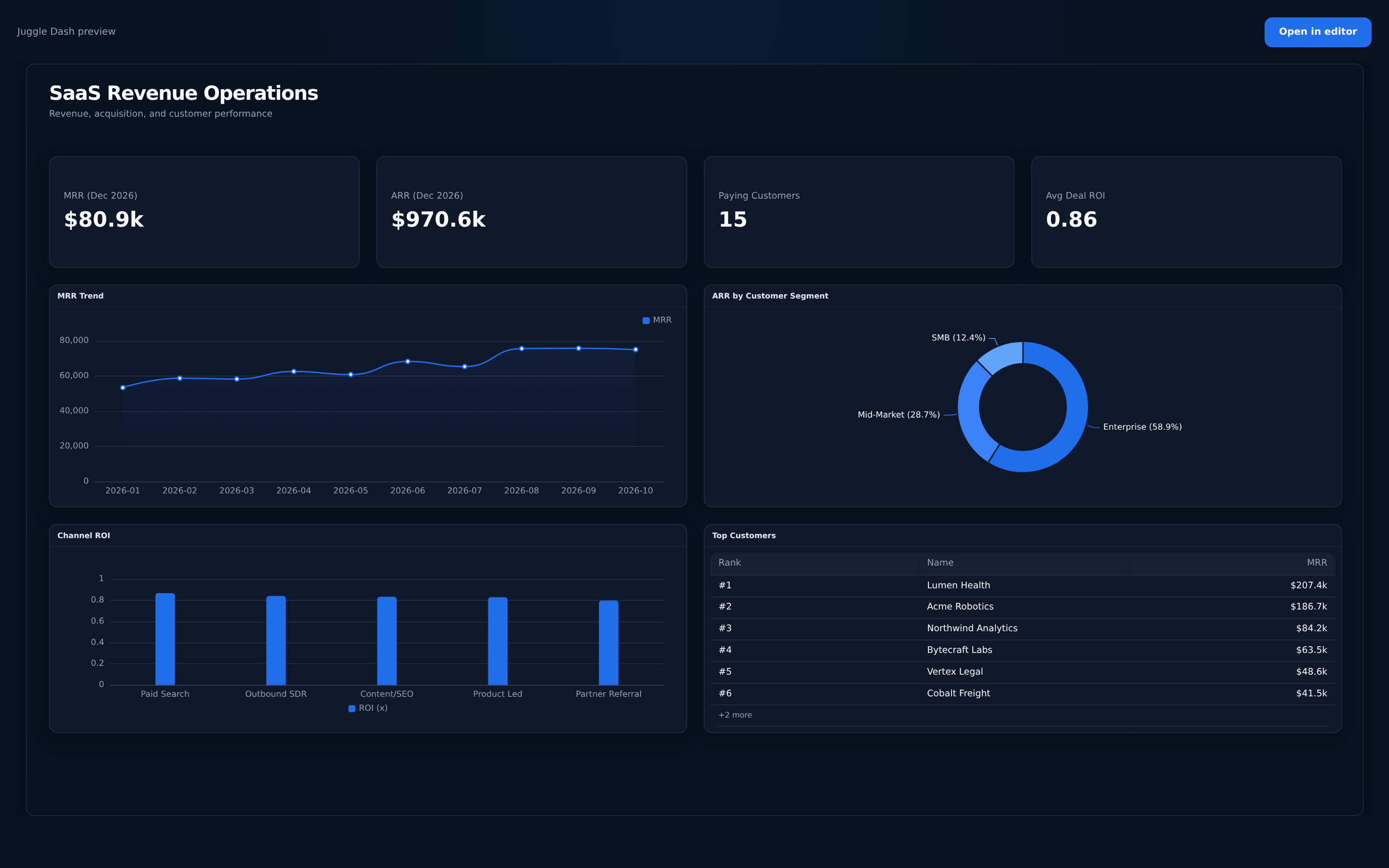 A dashboard draft, ready to make your own
Juggle Dash is for freelance dashboard builders, small agencies, and pre-sales engineers who ship one-off dashboards per client. It helps turn a client's CSV or JSON into a draft that can be shaped in a visual editor.
The exported file opens without a server or account, so a client can keep it after the engagement. The DSL JSON keeps the editable source for future changes.
A simple workflow
Start with your data. Keep control of every decision that follows.
Start with the data you already have. Juggle Dash reads your fields and rows locally.
Get a useful first draft with metrics and charts picked for the shape of your data.
Adjust the layout in the visual editor, then export DSL JSON or a single-file HTML dashboard.
Made for useful first drafts
Juggle Dash keeps generation predictable and the final call in your hands.
The model proposes KPI and chart meaning, never pixel coordinates. Deterministic layout rules place the draft on a 12-column, 1920 × 1080 canvas.
Drag and resize panels, undo changes, and refine a dashboard draft in one focused editor.
Use KPI cards, trend lines, bars, pies, and rankings in the consistent enterprise_blue theme.
Export DSL JSON or a single-file HTML dashboard. The HTML export includes a CSP and runs without a Juggle Dash backend.
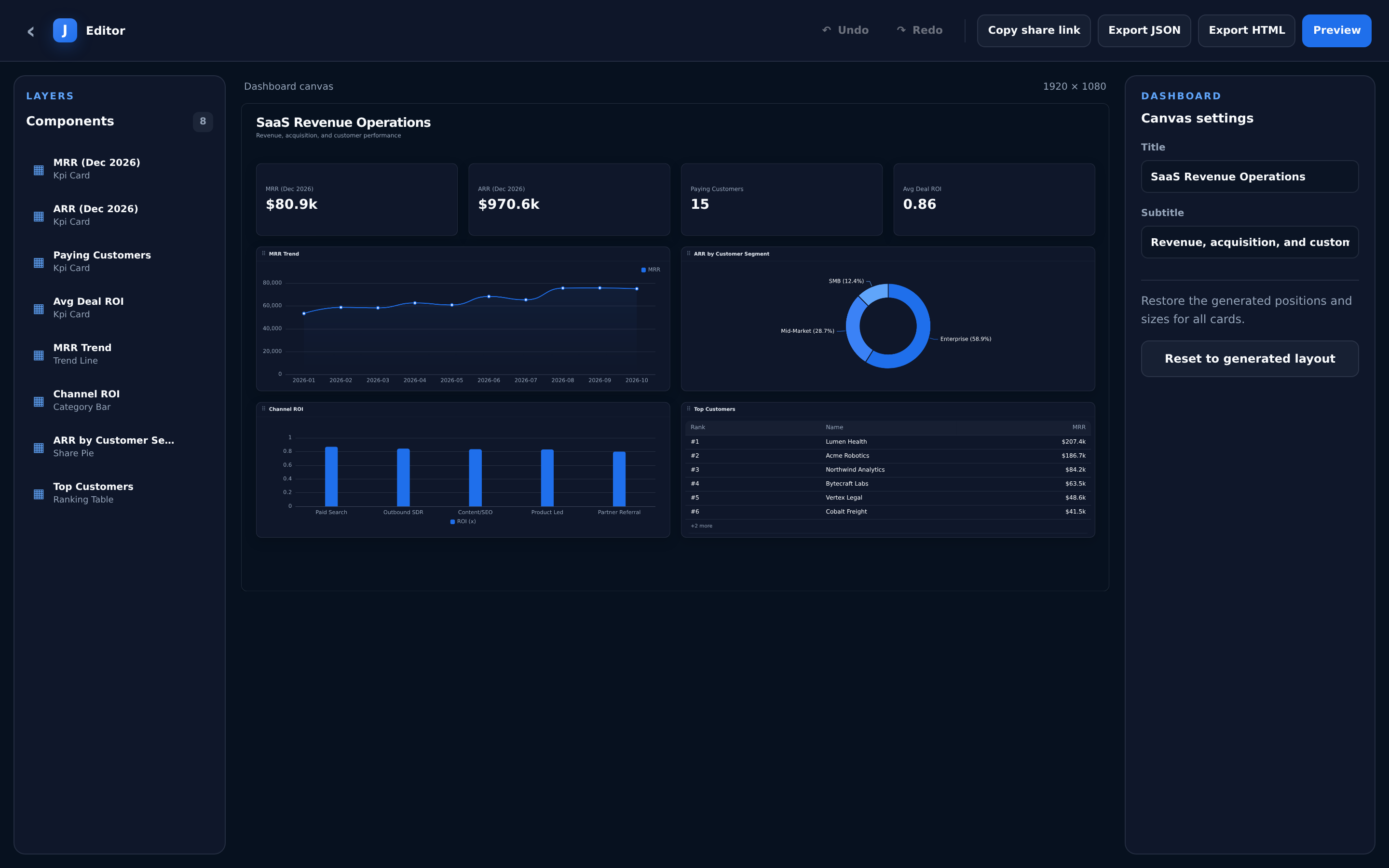 Your dashboard, your call
Practical from the first draft
A few useful details
Juggle Dash is currently in beta. Refer to the repository README for project details; this page does not specify a source license.
A CSV or JSON file with the fields you want to explore is enough to get started. The current beta does not require an account.
No. The exported HTML file can be opened directly in a browser without a server or account.
The HTML export is a static snapshot. Keep the DSL JSON to carry the dashboard definition forward, and make changes to your draft in the visual editor.